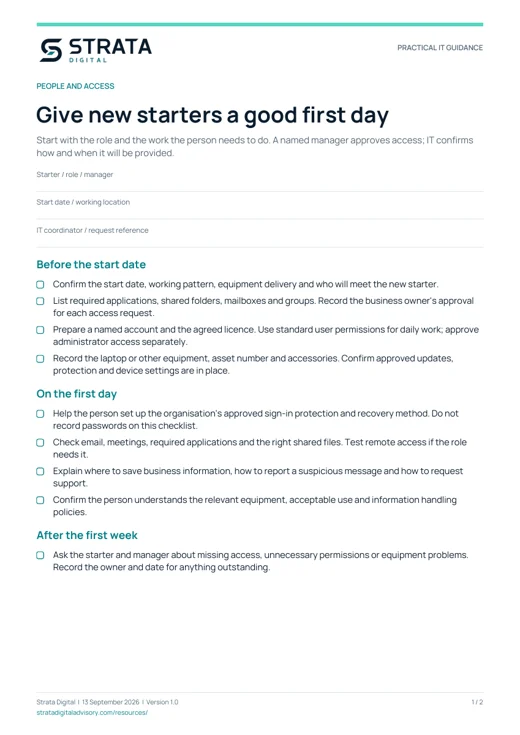
Give new starters a good first day
Start with the role and the work the person needs to do. A named manager approves access; IT confirms how and when it will be provided.
Before the start date
- Confirm the start date, working pattern, equipment delivery and who will meet the new starter.
- List required applications, shared folders, mailboxes and groups. Record the business owner's approval for each access request.
- Prepare a named account and the agreed licence. Use standard user permissions for daily work; approve administrator access separately.
- Record the laptop or other equipment, asset number and accessories. Confirm approved updates, protection and device settings are in place.
On the first day
- Help the person set up the organisation's approved sign-in protection and recovery method. Do not record passwords on this checklist.
- Check email, meetings, required applications and the right shared files. Test remote access if the role needs it.
- Explain where to save business information, how to report a suspicious message and how to request support.
- Confirm the person understands the relevant equipment, acceptable use and information handling policies.
After the first week
- Ask the starter and manager about missing access, unnecessary permissions or equipment problems. Record the owner and date for anything outstanding.
What to record
- Starter / role / manager
- Start date / working location
- IT coordinator / request reference
The PDF includes space for your notes.
Make departures a controlled handover
Coordinate the timing with the authorised manager or HR lead. For an urgent departure, use the agreed escalation process rather than waiting for routine administration.
Plan the handover
- Identify business files, shared mailboxes, customer work, application ownership and scheduled tasks that need a new owner.
- Agree retention and access requirements with the responsible business owner. Preserve required data before deleting an account or removing a licence.
- List access beyond the main email account: finance, CRM, website, remote access, password manager, supplier portals and shared services.
At the agreed time
- Have an authorised administrator block sign-in and revoke active sessions where the service supports it. Check each application's own access controls.
- Remove group memberships, delegated access and remote access. Rotate any shared credentials the person knew, using an approved secure process.
- Recover equipment, keys, access cards and security tokens. Record missing items and follow the agreed lost-device process.
- Arrange approved mailbox and document access for the handover owner. Do not give them the former employee's password.
Close the request
- Confirm the manager can access the required business information. Review licences, third-party accounts and remaining dependencies before removal.
- Record completion, exceptions and the person responsible for follow-up. Update the asset register and review any permissions affected by the handover.
What to record
- Leaver / manager / authorised timing
- Handover owner / request reference
The PDF includes space for your notes.